4.71 / 5.0
(7) 7 total de avaliações
My Store 2
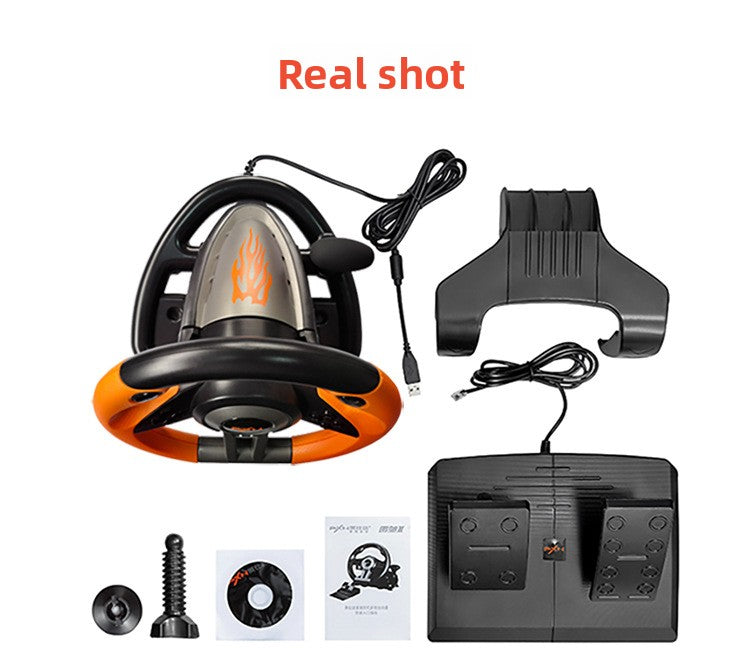
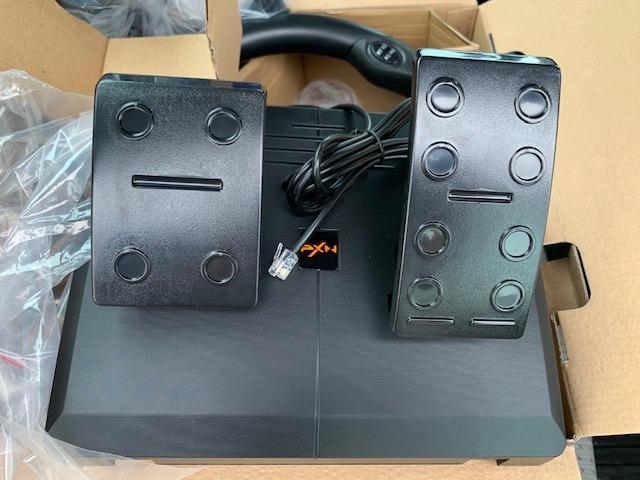
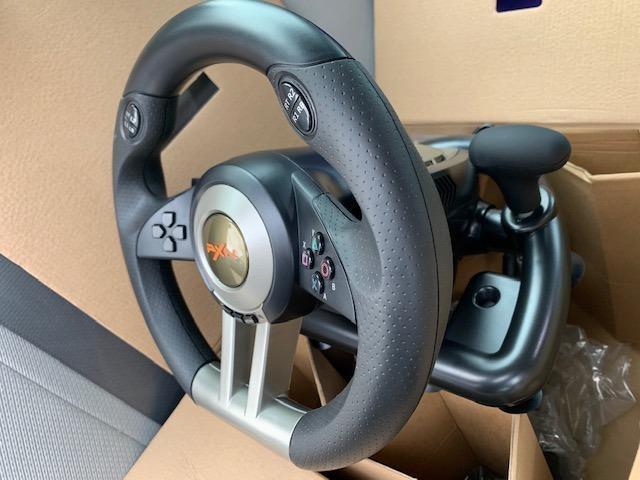
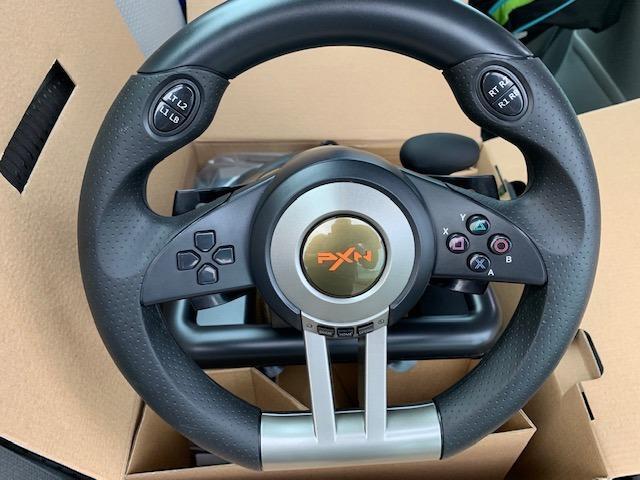
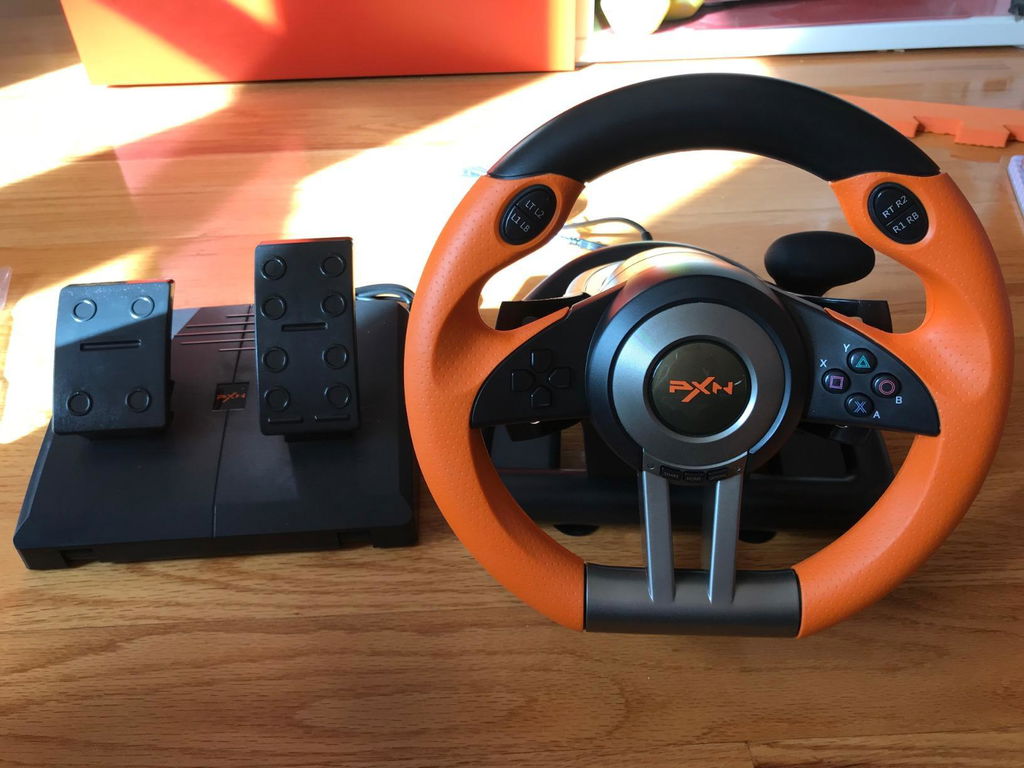
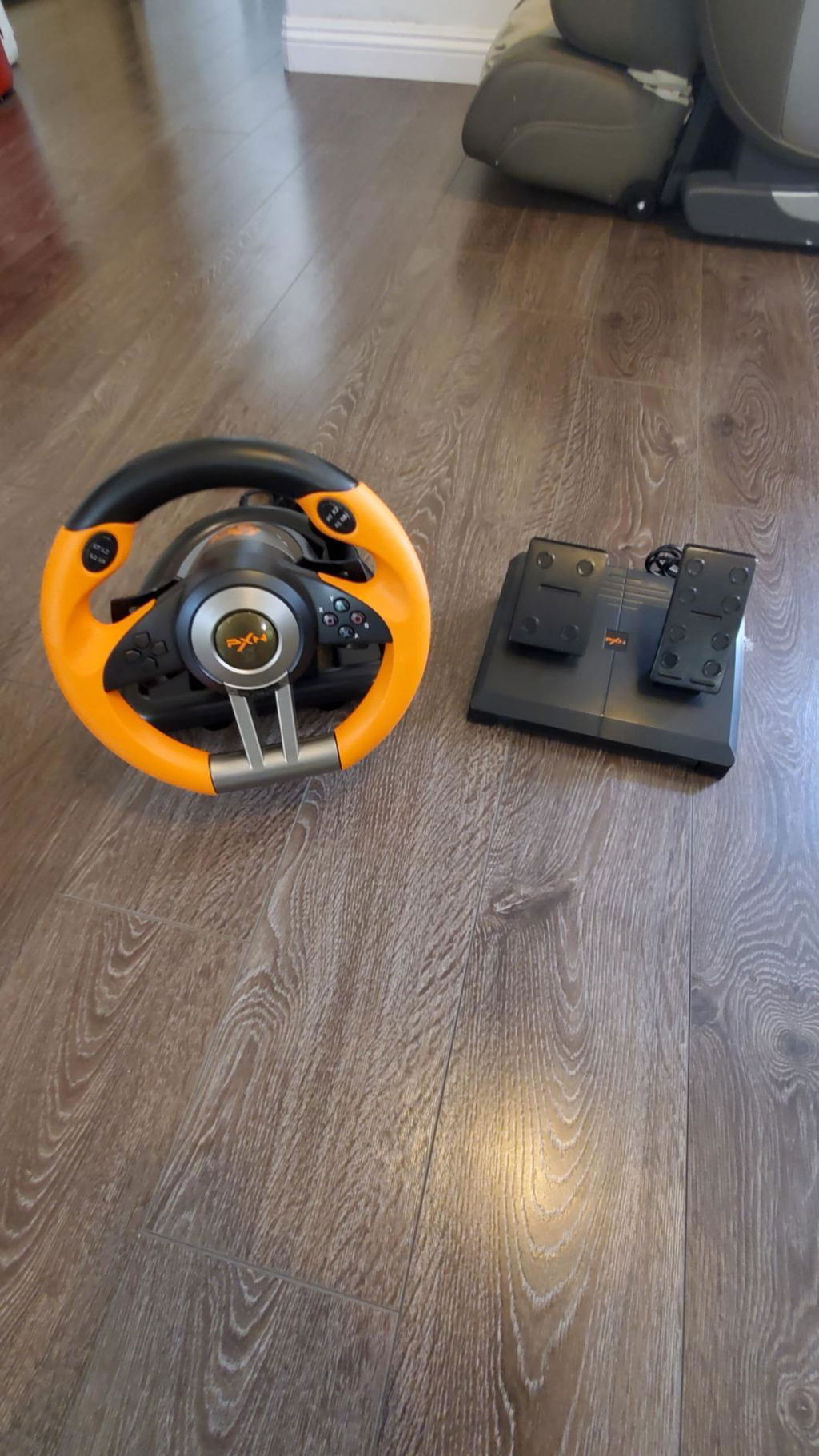
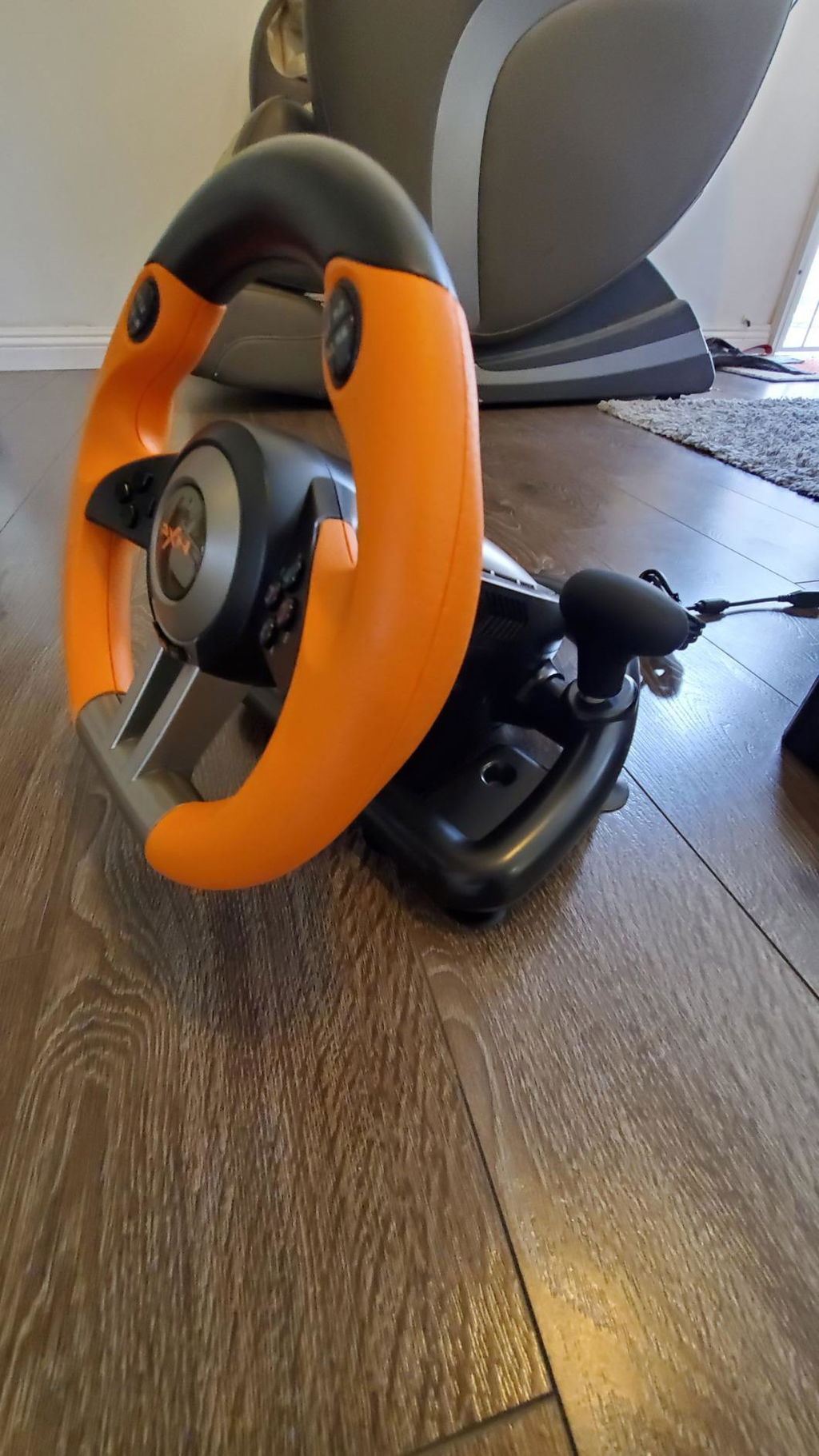
PXN V3 PRO racing game steering wheel simulates driving and is compatible with PC/PS3/4/xbox one/switch consoles
Não foi possível carregar a disponibilidade de retirada.
PXN V3 Gaming Steering Wheel for PC, PS3, PS4, Switch, Xbox One, and Xbox Series S/X
Note:When the PXN V3 steering wheel works on X-box One, X-box Series S/X, PS4, PS3, there is no direct connection. You need to first connect the steering wheel with the original controller of the console, arrive with the host, and then connect the steering wheel and with a data cable. A more detailed connection method can be read in the manual.
PS3, PS4 connection method
1. Need to use X-box One, X-box Series S/X, PS4, PS3 original gamepad to guide,
2. Before starting the machine, please make sure that the host and the original handle are turned off.
3. Use the microusb cable with data transmission function to connect the steering wheel and the original handle,
4. Connect the steering wheel to the head unit. After the original handle is connected to the steering wheel, turn on the host.
5. After power on, press the HOME button on the steering wheel. Can be manipulated to lead to success.
6. If you can't control it, please replace the data cable or restart
SharePXN V3 PRO racing game steering wheel simulates driving and is compatible with PC/PS3/4/xbox one/switch consoles

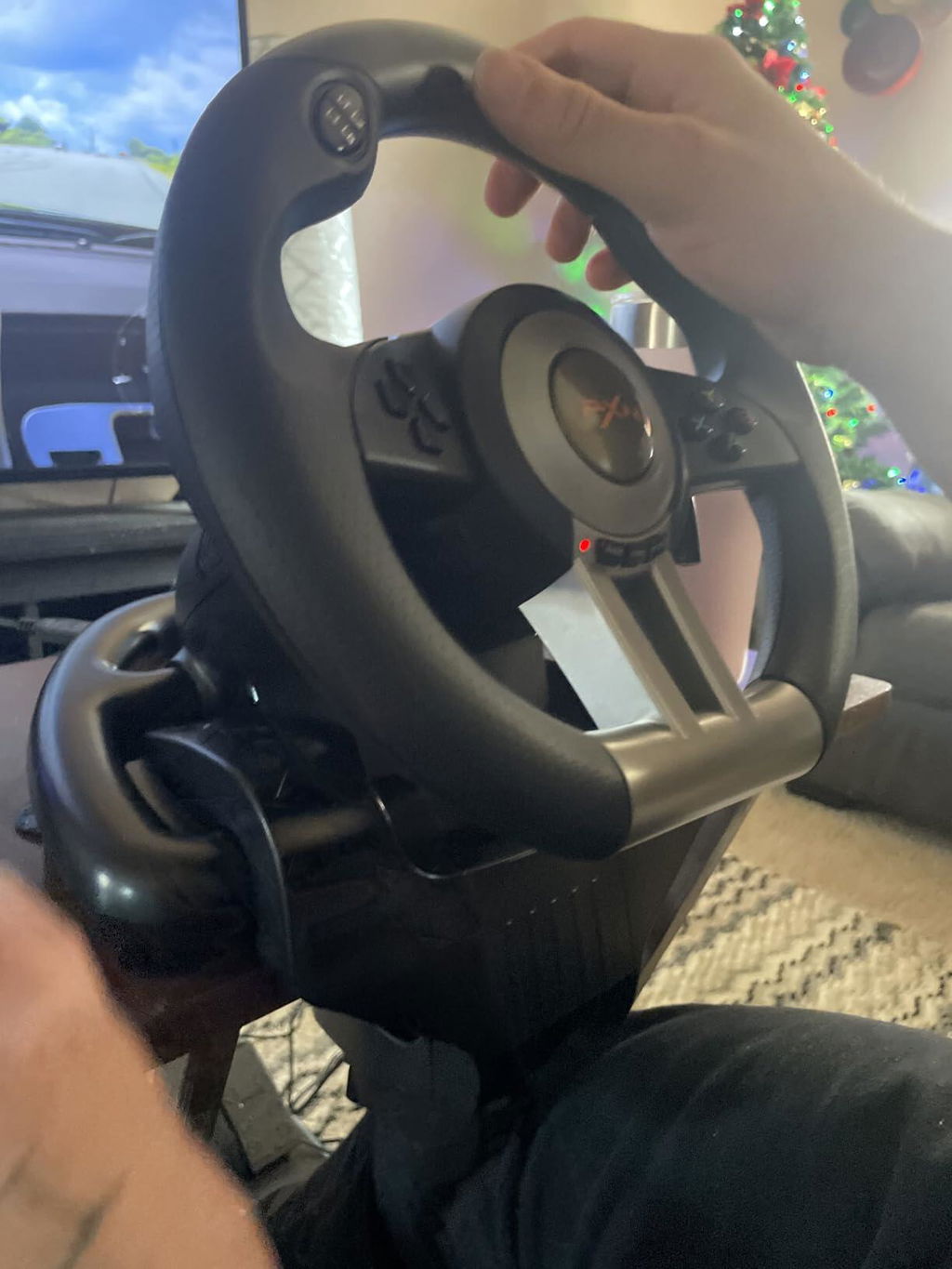
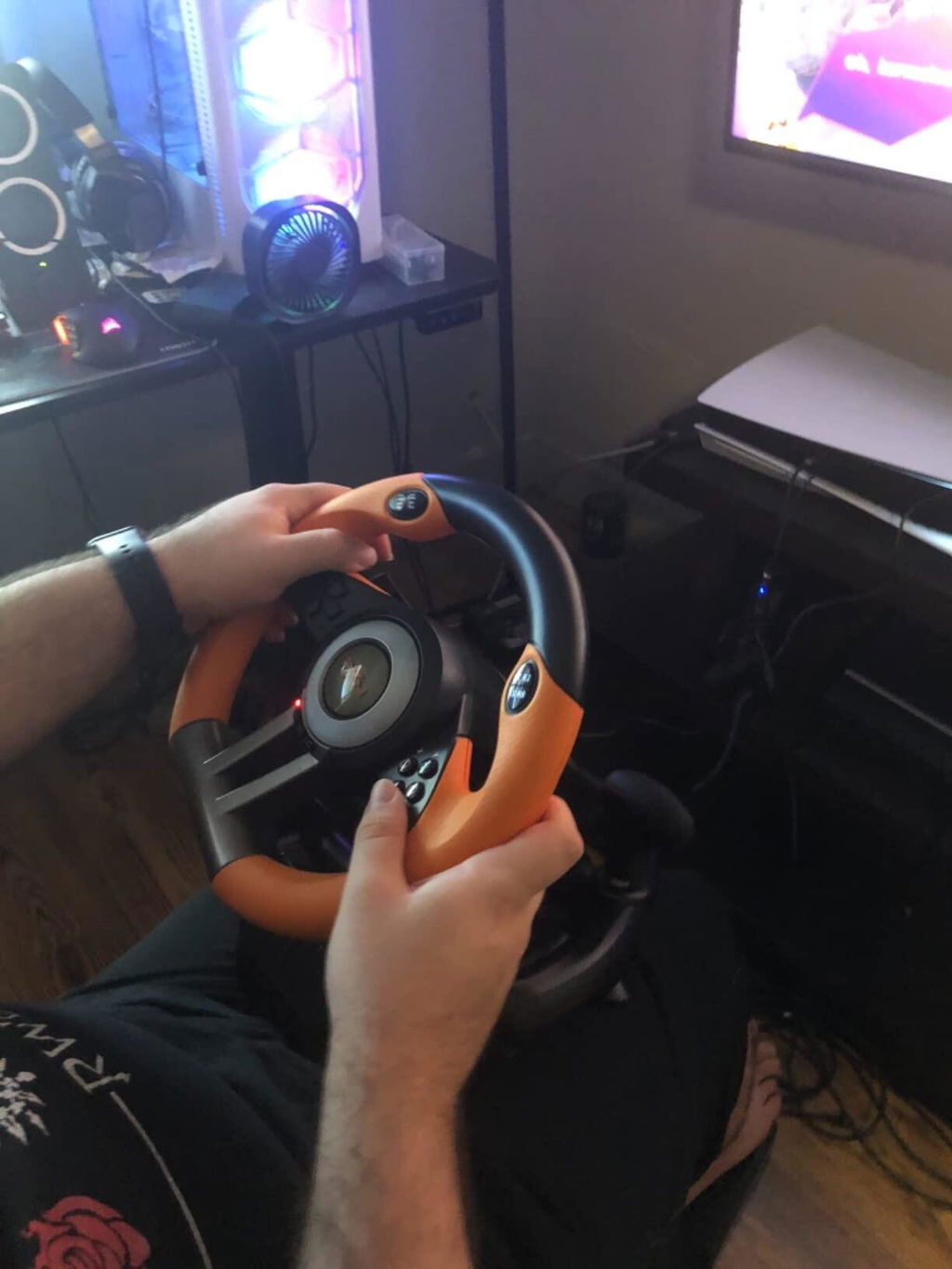
We bought this racing wheel for our son's birthday after he started getting really into NASCAR games, and it has been a huge hit!
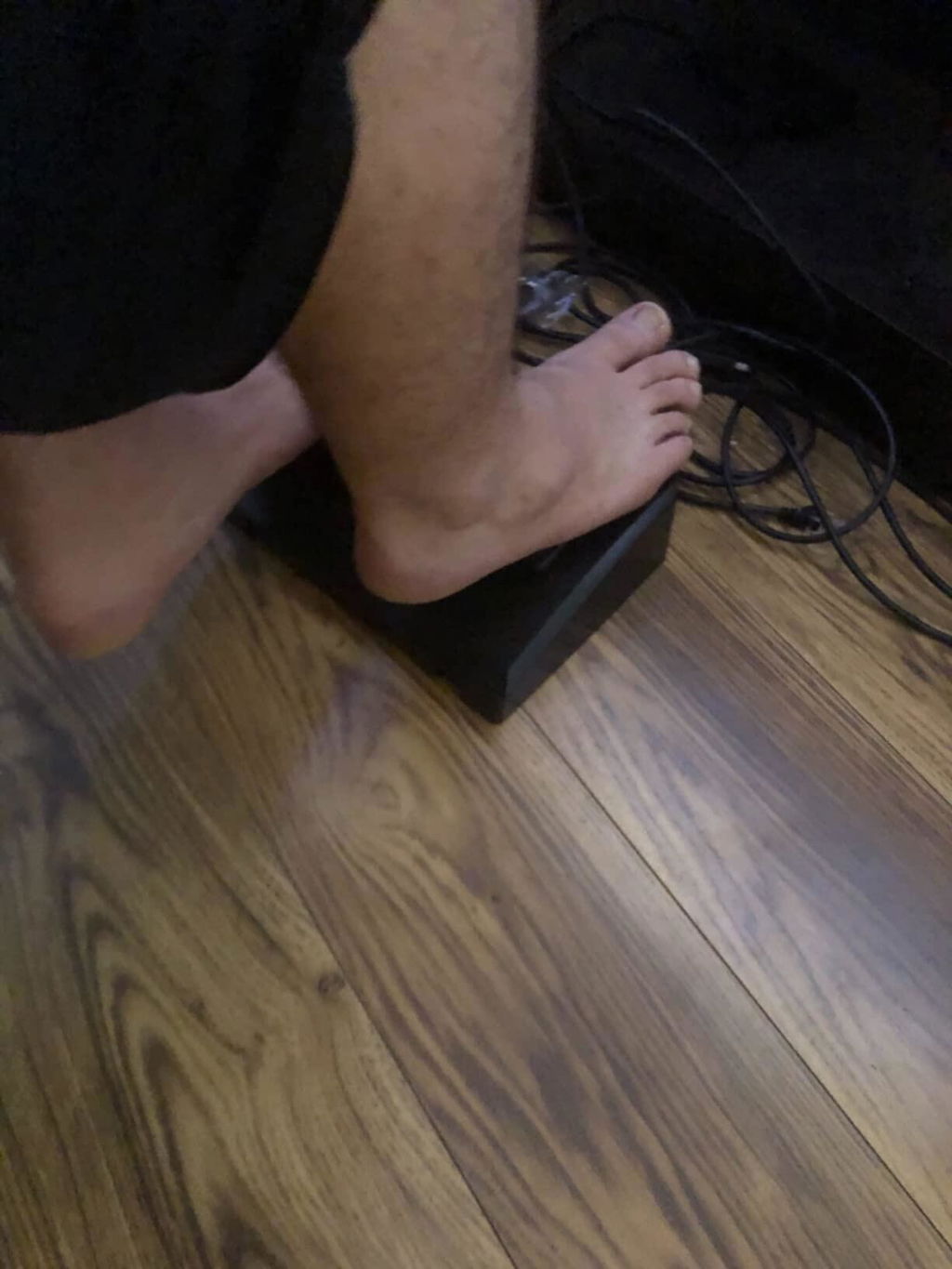
As a beginner wheel, it is incredibly easy to set up and get configured. The dual-motor vibration feedback gives a great, realistic feel when he's driving on the tracks, and the included pedals make the whole experience feel like a real arcade setup. It’s responsive, well-made for the price, and has completely transformed how he plays his racing games. If you have a kid or a beginner looking to get into sim racing, this is an excellent, budget-friendly choice. He absolutely loves it!
Only problem with it is I couldn't use my headset with it so I couldn't use it and be in a party chat with people but other than that it works really well
Just download the latest firmware and goto steam settings controller then test each button and pedal. Works just fine. No problems